The prompt is part of the runtime
Minimal, focus, and full are runtime contracts. MendCode combines prompt context, repo instructions, conditional tool calls, and packages without turning every request into a mega prompt.
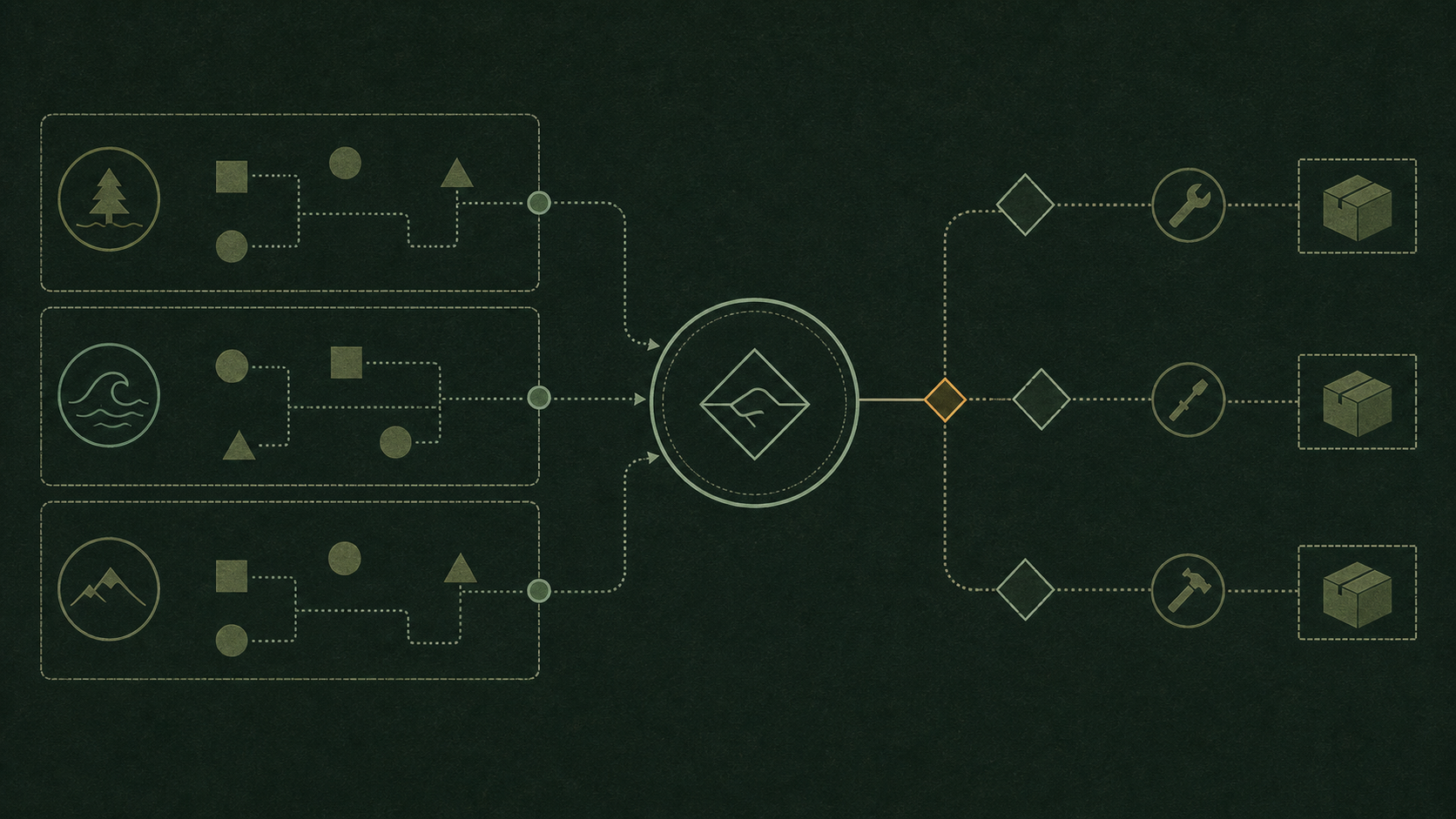
Editorial cover
A story-specific system diagram. Product evidence, when present, appears beside the claims it supports.
The easiest way to misunderstand MendCode is to treat prompt context like a brand mood. Minimal does not mean MendCode becomes a minimalist product. Focus does not mean the product enters a special personality. Full does not mean the user is forced into a giant cockpit forever.
Those words describe how much MendCode harness context is attached to a model request. That sounds small, but it is one of the most important parts of an AI coding runtime. The model does not work inside your repo by magic. It works through the context it receives, the tools it can call, the instructions it must obey, and the evidence it can inspect.
Context is the interface
In old developer tools, the interface was mostly visual: buttons, panes, menus, and command palettes. In an agentic coding tool, the interface also includes what the model is told before it acts. A clean UI with a chaotic prompt is still a chaotic product. A powerful model with the wrong project rules is still a risky collaborator.
Prompt context is where product design, repo policy, user preference, package behavior, and provider-specific harness rules meet. It is not copywriting. It is runtime control.
Not a personality switch
The important correction is this: MendCode does not become a minimal product, a focused product, or a full product. MendCode remains the same local-first harness. The context option only changes how much harness policy and product guidance is projected into the session.
That distinction matters because developers should not have to wonder whether choosing a smaller context disables their project rules or hides their custom agent behavior. The point is not to erase local guidance. The point is to avoid loading every possible runtime instruction into every simple request.
Bad framing vs correct framing
| Phrase | Why it is wrong | Better mental model |
|---|---|---|
| MendCode becomes minimal | It sounds like a different product personality | MendCode attaches a smaller harness context |
| MendCode enters focus | It makes context sound like a UI mood | MendCode applies provider-aware harness behavior |
| MendCode becomes full | It sounds like permanent bloat | MendCode includes runtime/package/workflow context when needed |
Three context options
MendCode exposes three practical prompt context options: minimal, focus, and full. They are intentionally boring. A context system should be boring because it sits between the user and the model’s behavior. If that layer feels magical, people stop trusting it.
Prompt context options
Minimal
A small MendCode boundary for direct work where the model should not receive the whole runtime contract.
Focus
Provider-aware harness behavior for the current model family, with the right editing and verification posture.
Full
Adds MendCode runtime context for packages, memory, workflows, loop behavior, integrations, and product policy.
Local guidance
Project instructions, custom agent files, and user direction still shape the session instead of being treated as disposable.
Data visual
Context is a budget, not a leaderboard
Illustrative profile, not a benchmark. More loaded context can add useful signal, but it can also add noise that competes with the repo evidence.
| mode | Relevant signal | Context noise |
|---|---|---|
| minimal | 4 | 1 |
| focus | 7 | 3 |
| full | 8 | 7 |
The goal is not to make users micromanage prompts. The goal is to make context a control surface instead of an invisible pile of assumptions.
Custom instructions still matter
Developers already have their own operating instructions. Some teams use `AGENTS.md`. Some use provider-specific files. Some keep repo conventions in `.agents/` or package-owned context. Some want a custom agent definition for review, security, release, docs, or debugging.
MendCode should not flatten all of that into a single product voice. A serious harness should still honor project instructions and let the user bring their own agent behavior. Prompt context controls the MendCode harness layer; it does not mean the user loses the right to define how their repo should be handled.
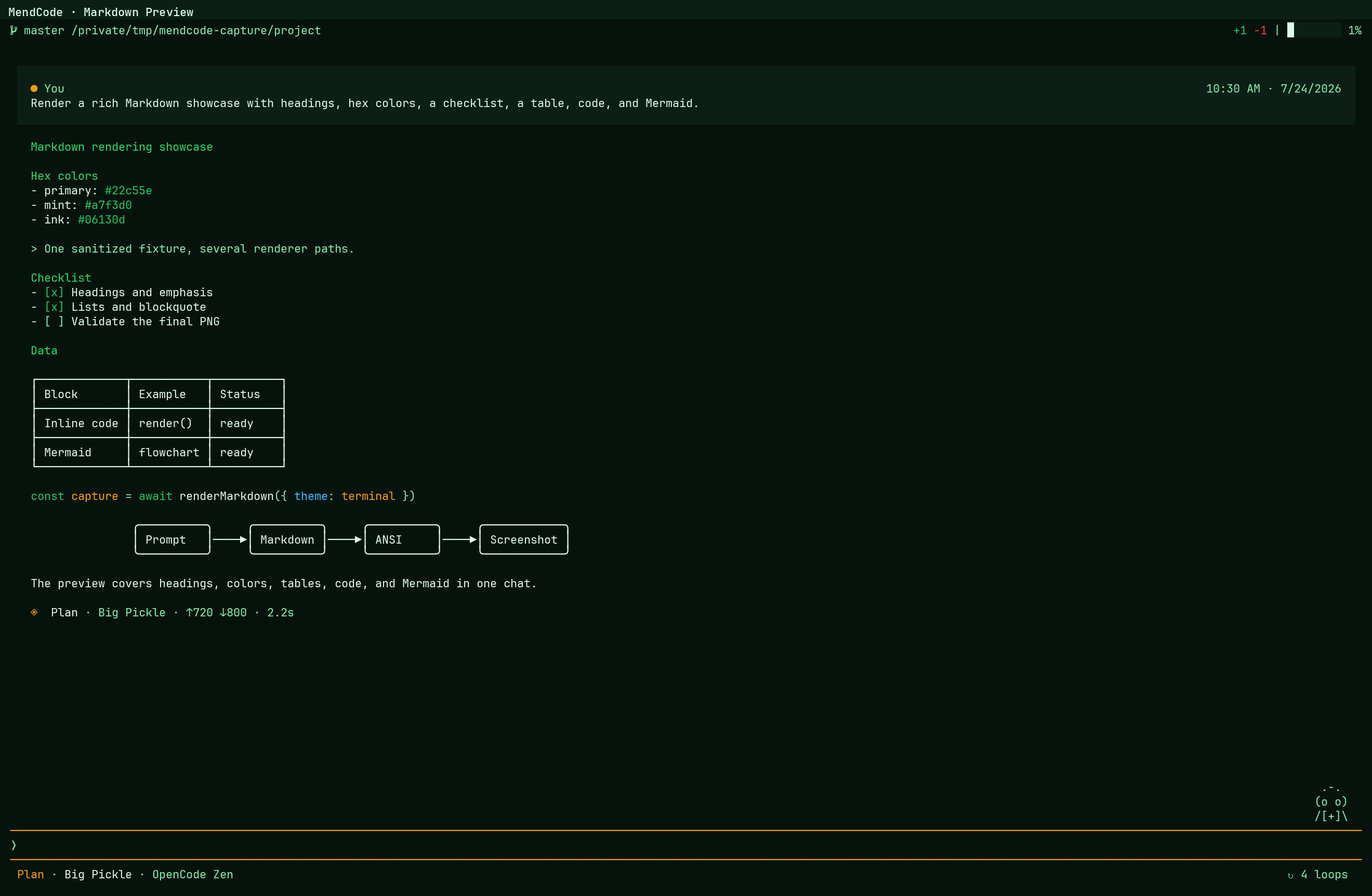
system/provider baseline
  + MendCode harness context option
  + project instructions such as AGENTS.md
  + package/workflow context when active
  + current user request
  + tool evidence from the repo
Tools follow context
Tool availability is part of the same contract. A custom tool is not useful merely because it exists somewhere on disk. The model needs the tool only when the active provider, package, project, and permission posture make that capability relevant. Loading every possible tool schema into every turn wastes context and makes accidental calls more likely.
Minimal keeps the harness boundary small. Focus adds the provider-aware behavior needed for the active model family. Full can carry the broader MendCode runtime contract for packages, loops, memory, integrations, and custom surfaces. None of those modes grants a tool permission by itself. The tool must still be registered, eligible for the session, and allowed by policy.
A tool call has three boundaries
| Boundary | Question | Evidence |
|---|---|---|
| Availability | Should this model see the tool now? | Provider, auth, package, and project state |
| Authority | May the tool perform this action? | Deterministic permission policy and user approval |
| Result | What actually happened? | Tool output, files, logs, screenshots, or runtime state |
This is why custom tool calls belong beside prompt context in the product model. The prompt tells the agent how to work. The tool schema tells it what operation exists. Permission policy decides whether the operation may happen. The result becomes evidence only after the call runs.
Context intelligence
Context intelligence means the harness knows that not all information deserves the same weight. A release workflow needs changelog rules, build commands, branch state, and push policy. A memory review needs scope, provenance, approval state, and stale entries. A design critique needs screenshots, routes, accessibility concerns, and visual hierarchy.
Dumping everything into the model window is not intelligence. It is panic. Good context selection is closer to editing than hoarding: include what changes the answer, exclude what distracts, and keep the source of authority visible.
Context intelligence asks
- What is the user actually trying to accomplish?
- Which repo instructions apply to the files or workflow being touched?
- Which package, skill, model role, or permission policy is active?
- What evidence from tools should override stale assumptions?
- What should stay out because it would add noise or risk?
Where context goes wrong
Bad context usually fails in one of two directions. Too little context makes the model generic. It answers like it has never seen the repo, ignores conventions, invents commands, or produces code that technically compiles but does not fit the system. Too much context makes the model mushy. It gets conflicting instructions, stale memories, unrelated workflows, and a giant wall of rules it cannot prioritize.
Context failure modes
| Failure | Symptom | Fix |
|---|---|---|
| Too little | Generic advice, wrong commands, missed repo rules | Attach the relevant project/package/workflow context |
| Too much | Conflicting behavior, slow turns, vague answers | Use sharper boundaries and remove irrelevant policy |
| Wrong source | Old memory beats current code | Treat tool evidence and repo files as the source of truth |
Packages and context
Packages make context portable. A team release package can carry the release checklist, commands, custom tools, widgets, review gates, and scripts. A security package can carry a threat-model skill, a stricter permission posture, and a review surface. A docs package can carry tone, structure, lint commands, and preview routes.
This is different from copy-pasting a mega prompt. A package is inspectable. It can be versioned, trusted, rolled back, and scoped. It turns context into an artifact instead of a superstition.
Workflow diagram
Package declares workflow context
MendCode loads the relevant layer
User reviews behavior through tools, diffs, and evidence
The model window is a budget
Context windows keep getting larger, but that does not remove the design problem. Larger windows make waste easier to hide. They do not make irrelevant instructions useful. Every token in the prompt competes with the actual repo evidence, the current user request, and the reasoning the model needs to do.
A good harness treats the model window like a budget. Spend it on instructions that change behavior, files that prove the current state, tool outputs that verify claims, and policies that prevent real mistakes. Do not spend it on branding, duplicated rules, or stale lore.
What good context feels like
Good context feels like the agent understands the room without pretending to be psychic. It knows the repo rules because they were loaded from the repo. It knows the active workflow because a package or user request made it explicit. It knows what not to do because permissions and memory are reviewable. It knows when to ask because ambiguity is better than fake certainty.
That is the real promise: not a smarter chatbot personality, but a coding harness that can decide what belongs in the conversation before the model touches the repo.
Context intelligence is how MendCode keeps agent power specific, local, and reviewable.