Founder economics need local insight, not creepy analytics
AI agents make small teams capable of directing far more work. Usage Insights should help them operate that machine locally without turning developer behavior into surveillance.
Editorial cover
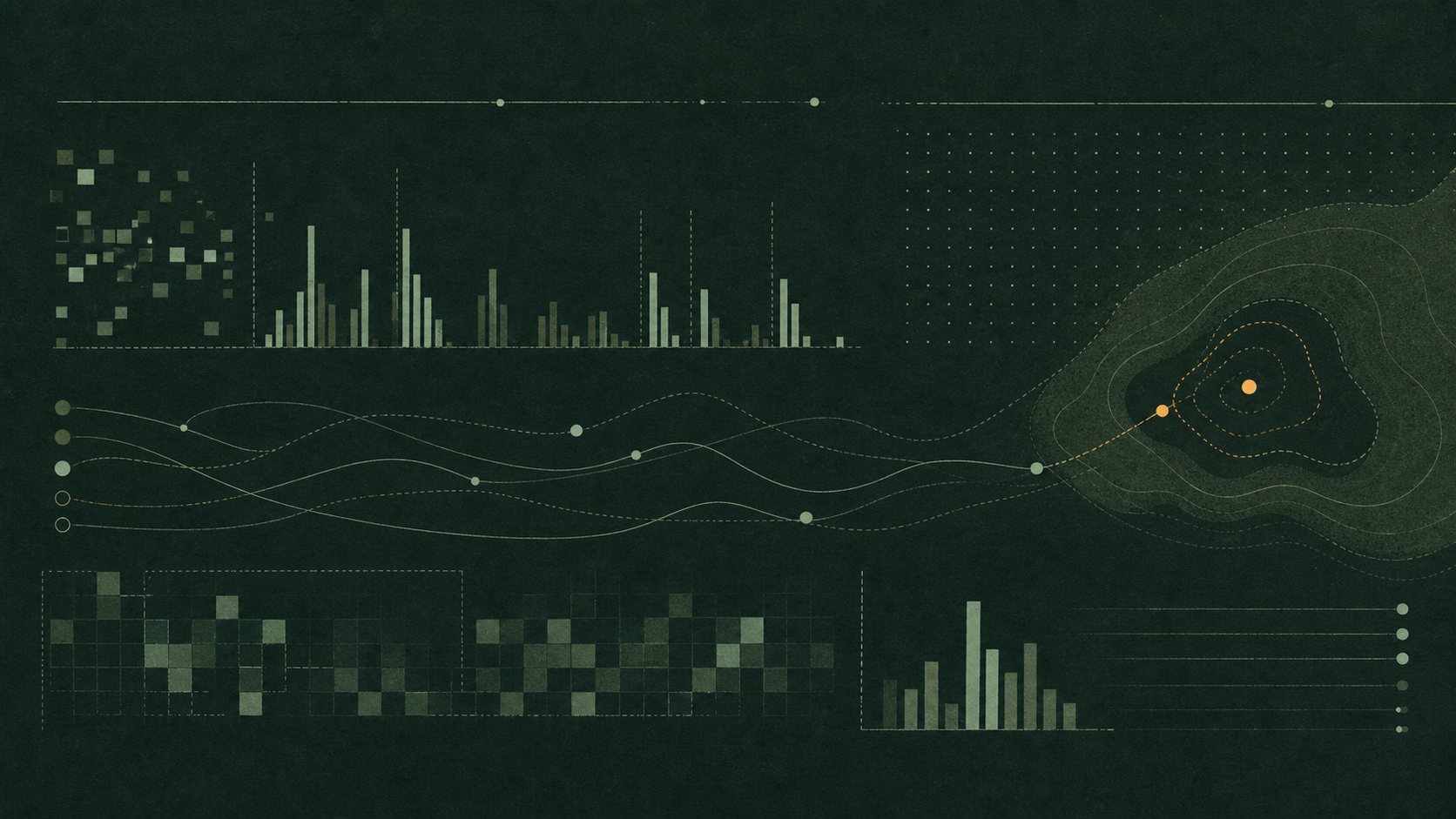
A story-specific system diagram. Product evidence, when present, appears beside the claims it supports.
A small team with agents is not just a small team that types faster. It is a team directing more parallel work than it could manually execute. That changes the economics. The bottleneck moves from writing every line to choosing work, reviewing work, and understanding where the machine is wasting effort.
That requires insight. Not surveillance. Not a cloud dashboard that turns local coding behavior into somebody else’s metric. Useful insight should help the person operating the harness understand the harness.
Small teams, big surface
Agents let one founder or one senior engineer keep more work in motion: fixes, docs, tests, release prep, research, cleanup, and experiments. But more motion creates more places to lose track. Which model is doing the work? Which tools are noisy? Which sessions got expensive because context drifted? Which workflows should become packages?
Analytics can get creepy
Developer analytics go bad when they become management theater. Lines changed, sessions counted, tokens burned, activity charted: those metrics can help the operator or punish the human. MendCode’s default posture is local because the user should be able to inspect the evidence behind the numbers.
Local evidence
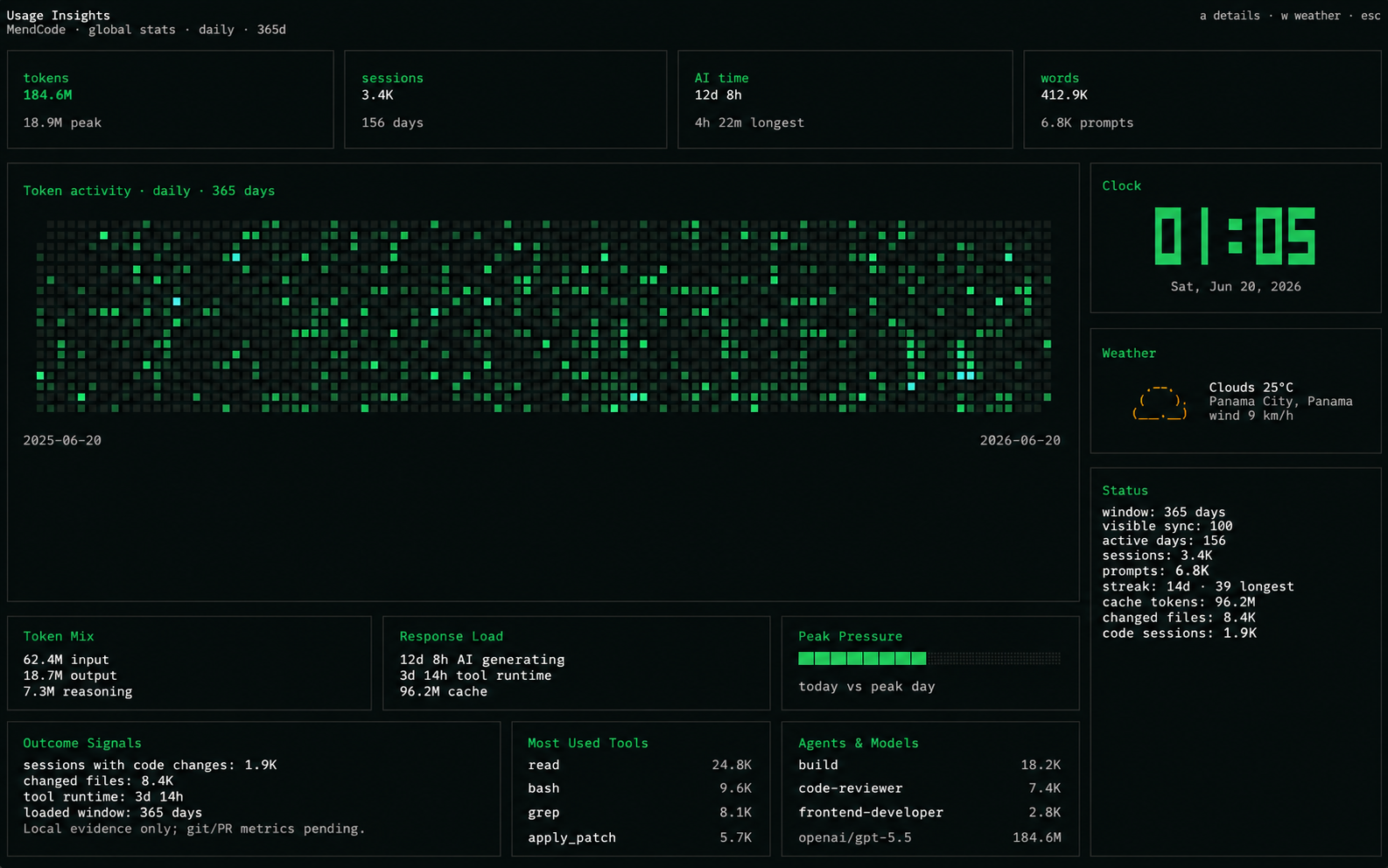
The useful signals already exist close to the work: sessions, model metadata, tool calls, changed files, response load, and the daily shape of agent activity. MendCode does not need to pretend every metric is perfect. If a provider exposes token data, show it. If data is missing, say that.
Insight without surveillance
| Question | Creepy version | Local-first version |
|---|---|---|
| Who is productive? | Score the human | Show the operator where the harness spent effort |
| What got expensive? | Centralize every event | Read local sessions and provider metadata |
| What should improve? | Make a dashboard for managers | Expose bottlenecks the developer can act on |
What to measure
Useful measurement starts from operator questions, not vanity charts. The user needs to know where context is heavy, which model roles are doing expensive work, which tools fire repeatedly, where loops stop, and what kind of sessions end with real verification instead of optimistic summaries.
The difference is subtle but important. “You used 2 million tokens” is a bill preview. “Docs loops are spending 40% of their time rereading generated files because the package excludes nothing” is an operational signal. One is trivia; the other changes the workflow.
Signals worth surfacing
Model mix
Which provider/model roles carry planning, editing, review, subagents, and loops.
Tool pressure
Which tools repeat enough to imply missing shortcuts, bad context, or package opportunities.
Session shape
Where time goes: reading, editing, shell, browser QA, questions, permissions, or review.
Completion evidence
Whether sessions ended with tests, browser checks, build output, or just a confident message.
Find bottlenecks
Usage insight should answer operational questions. Are loops hitting review gates too often? Is a cheap model doing work that needs a stronger role? Are tools being called repeatedly because a workflow should become a package? Is the user spending more time approving than directing?
Good usage questions
- Which sessions carried too much stale context?
- Which tools are repeated enough to deserve a workflow shortcut?
- Which models dominate cost and which dominate successful work?
- Which file areas attract the most agent activity?
Review capacity
As agents get better, review becomes the scarce resource. A small team can generate more diffs, more docs, more experiments, and more package ideas than it can responsibly merge. Usage insight should make that visible before quality collapses under the weight of generated motion.
This is where local insight becomes practical. If the harness can show that a user is spending all day approving permissions, or that browser QA is missing from frontend sessions, or that a loop is repeatedly stopping on the same gate, the operator can change the workflow instead of just paying the token bill.
Bottleneck symptoms
| Signal | What it means | What to change |
|---|---|---|
| Many permissions | The agent lacks a safe policy or keeps touching risky surfaces | Use smarter defaults, scoped gates, or report-only loops |
| Repeated tool calls | The workflow is not encoded yet | Turn the pattern into a package or shortcut |
| No verification | The agent is producing claims faster than evidence | Require build, tests, browser QA, or reviewer gates |
Founder economics
The interesting outcome is not “developers save 20%.” The interesting outcome is that a tiny team can direct a much larger surface area of work. That is a different company shape. It only works if the harness gives the operator enough visibility to avoid drowning in generated motion.
A founder does not need surveillance. A founder needs to know which workstreams deserve attention, which loops should stop, which package should be created, and where review is becoming the bottleneck.
When metrics lie
Usage data can lie by pretending precision it does not have. Token metadata may be incomplete. Provider accounting can differ. A session can be long because the agent was careful or because it was lost. A cheap model can be efficient or simply wrong. MendCode should not turn partial evidence into fake certainty.
The honest version marks gaps. It separates measured values from inferred values. It cares about outcomes, not just activity. The goal is not to make the dashboard look authoritative. The goal is to help the operator make a better next decision.
Instrument panel
Usage Insights should feel like an instrument panel, not a scoreboard. It exists to help the person closest to the work tune the system. When the insight stays local, honest, and operational, it becomes part of the cockpit instead of a trust tax.
Small teams win by steering more work. They lose when they can no longer see what the work is doing.